Rapid Ads Review. Bulk Launch 100s of Meta Ads in Minutes
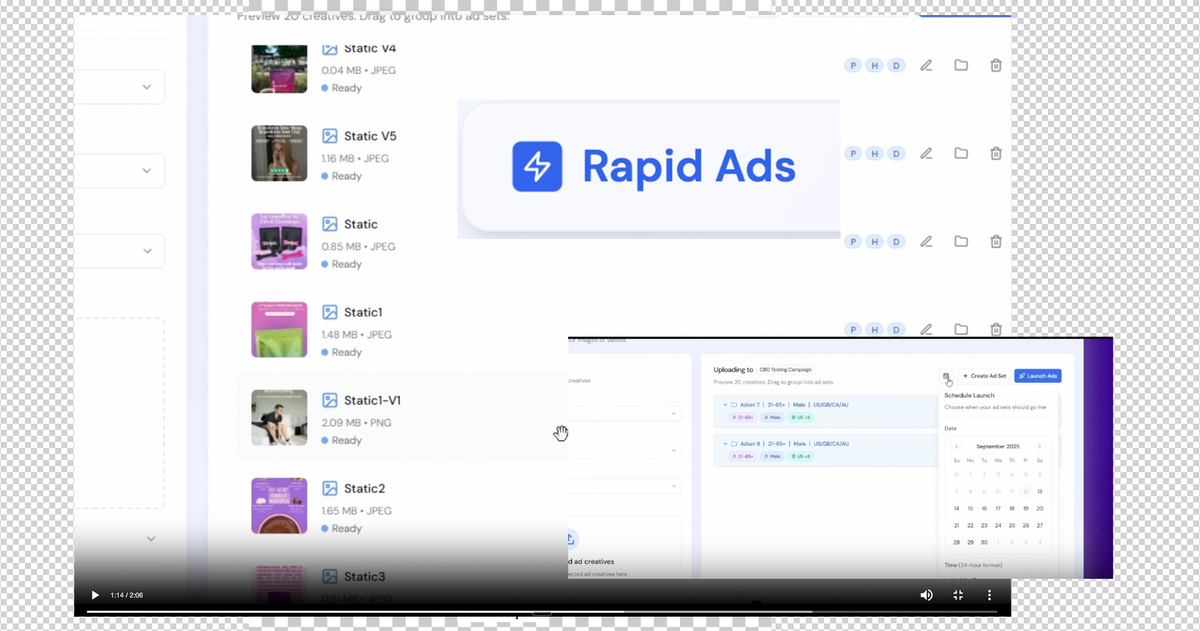
Meta Ads Manager is powerful, but uploading & launching creatives inside it is painfully slow. Anyone who has ever launched a big creative testing round knows the feeling. You sit there uploading ads one by one, dealing with slow page loads, fixing broken naming, and repeating the same steps across every ad set.
Rapid Ads solves that problem with a clean, fast, drag and drop workflow that saves hours. It streamlines bulk uploads, auto disables unwanted Meta enhancements, organizes everything with consistent naming rules, and lets you launch 100s of ads in minutes.
You can try Rapid Ads here
In this Rapid Ads Review I will break down exactly what it does, how it compares to the old workflow, and whether it is worth adding to your toolbox.
What Rapid Ads Does
Right from the homepage, Rapid Ads positions itself clearly. It is a tool for bulk launching hundreds of ad creatives directly to Meta in a few clicks. The hero section highlights the benefits: saving hours, auto disabling annoying enhancements, custom naming rules, one click launch, and 10 times faster workflows.

In the interface preview you can see how uploads work. You drag your files in, preview the creatives, assign them to ad sets, and get everything ready to push live. No more uploading one by one.
Key functions supported:
- Bulk upload of images and videos
- Automatic grouping into ad sets using AI
- Automatic naming for campaigns, ad sets, and ads
- One click launch for all creatives
- Auto disabling of Meta’s Advantage style enhancements
- Multi account management
- Performance insights to see what is winning
Old Workflow vs New Workflow
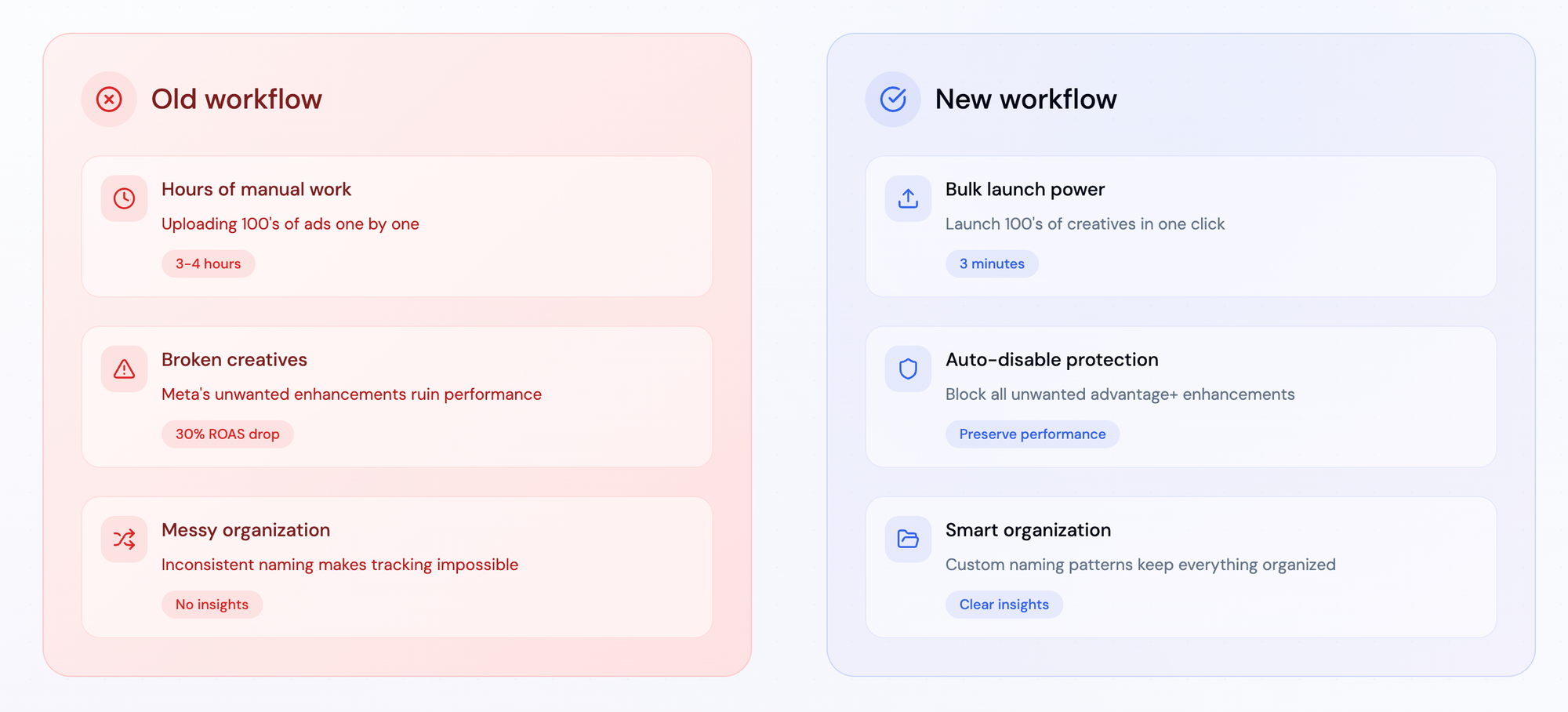
The comparison section on their site illustrates the difference clearly.
Old workflow:
- 3 to 4 hours of manual uploading
- Higher risk of broken creatives caused by unwanted Meta enhancements
- Messy naming
- Slower learning cycles
New workflow with Rapid Ads:
- Launch 100s of creatives in about 3 minutes
- Automatic enhancement blocking
- Smart naming and structure
- Clear insights that speed up testing
The Numbers
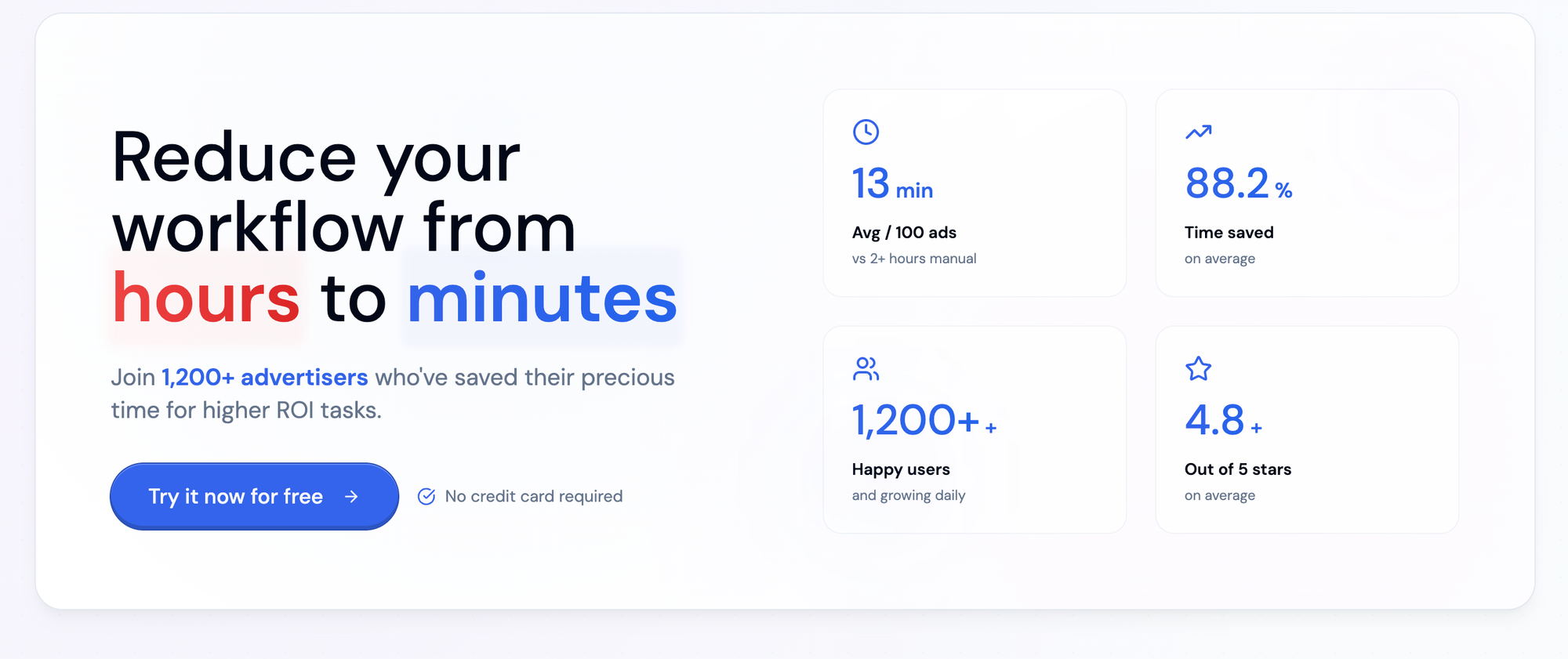
Their performance metrics are impressive:
- 13 minutes on average to launch 100 ads
- 88.2 percent time saved
- More than 1,200 advertisers
- 4.8 star average rating
These figures match what most media buyers experience. Meta’s default workflow is slow. A tool that cuts this down to minutes changes how often teams are willing to test.
Standout Features
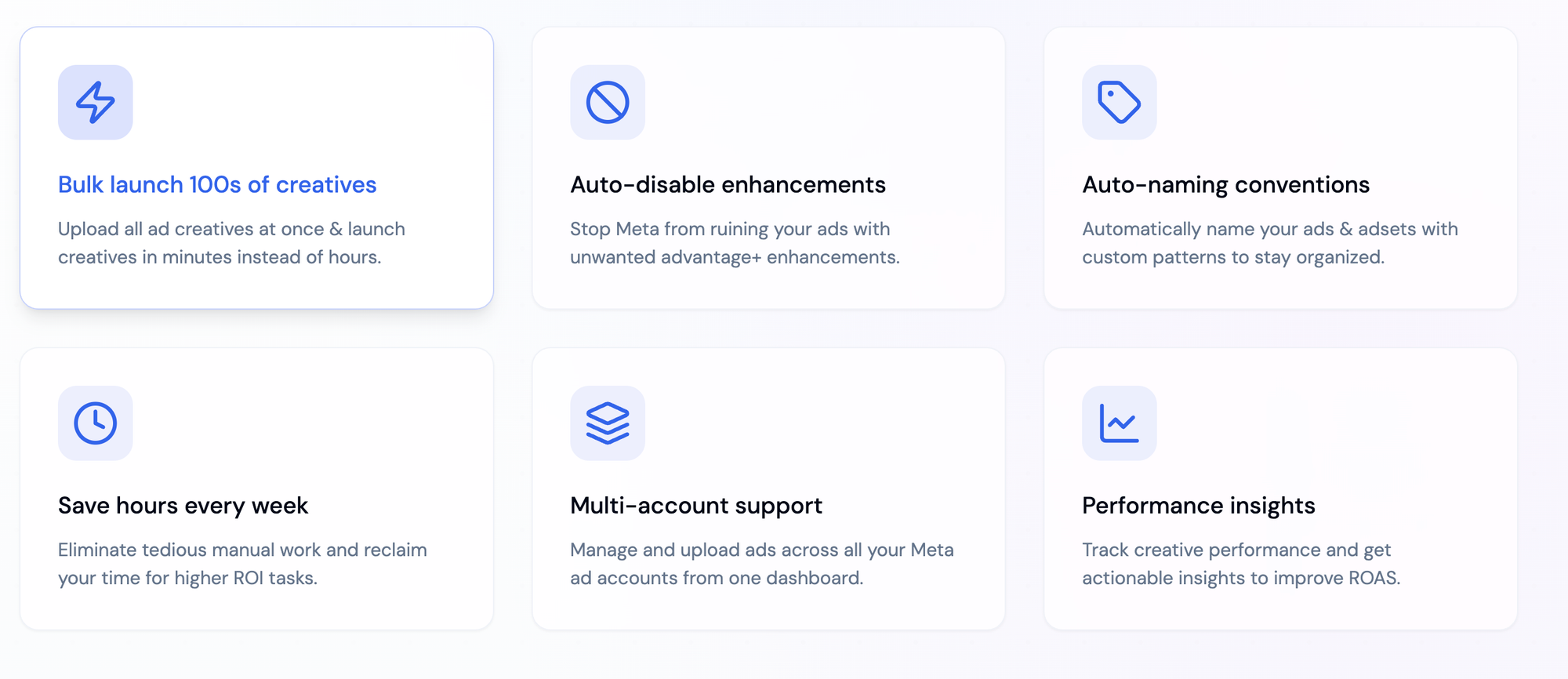
Bulk launching
Upload entire creative batches at once. Launch in minutes instead of hours.
Auto disabling enhancements (❤️ this)
Blocks Meta’s automated changes so your original creative is preserved.
Auto naming conventions
Enforce clean naming patterns that stay consistent across accounts.
Multi account workflow
Manage creative uploads for all your Meta accounts from one place.
AI support
Group creatives or generate copy using AI.
Performance insights
Track winners and losers faster and scale the right variations.
Try it here!
Pricing and Plans
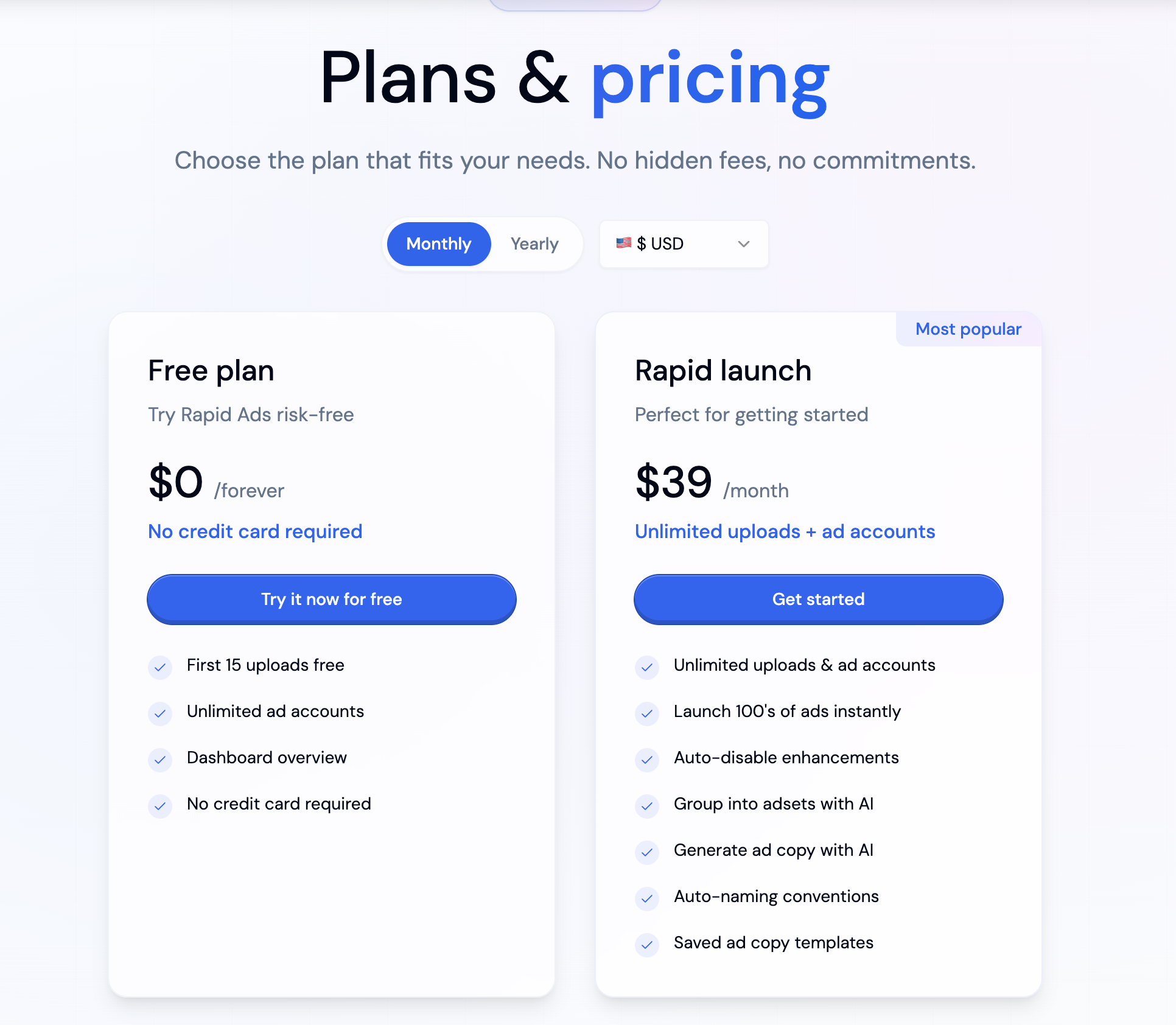
Rapid Ads keeps pricing simple.
Free Plan
- First 15 uploads free
- Unlimited ad accounts
- Dashboard overview
- No credit card requiredCost: 0 dollars forever
Rapid Launch Plan
- 39 dollars per month
- Unlimited uploads
- Unlimited ad accounts
- Instant bulk launching
- Auto disabling
- AI grouping and AI copy
- Saved templates
- Auto naming patterns
The free tier is generous and lets you test the workflow without commitment.
Who Rapid Ads Is For
Rapid Ads is ideal for:
- Media buyers
- Performance agencies
- Ecommerce brands
- Growth teams
- Anyone producing lots of creative variations
If you only launch a handful of ads per month, Meta’s native tools may be enough. But once you scale creative testing, Rapid Ads becomes essential.
Final Verdict. Is Rapid Ads Worth It?
Rapid Ads offers real, measurable workflow improvements. It removes the slowest parts of Meta ad creation and lets you launch campaigns at a speed that matches the pace of your testing ideas.
For agencies and high volume advertisers, the time savings make it a must have.
Try Rapid Ads here